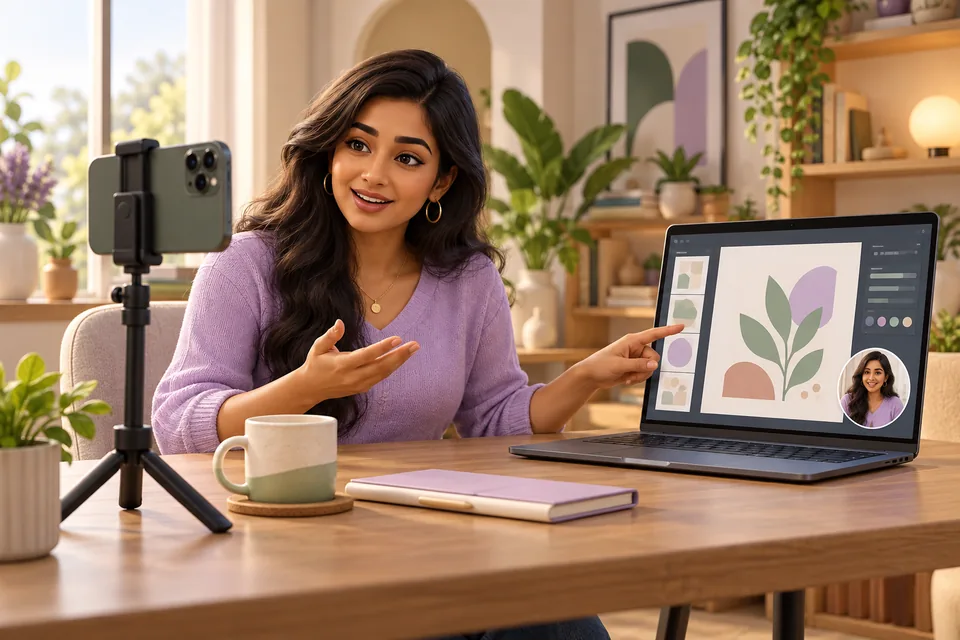
 01 / TEACH SOMETHING
Make your next how-to
feel personal.
Explain a design, teach a lesson, or walk through a process. Show your screen while your face stays in the picture.
FOR EDUCATORS & TUTORIAL CREATORS roluxlabsOpen studio
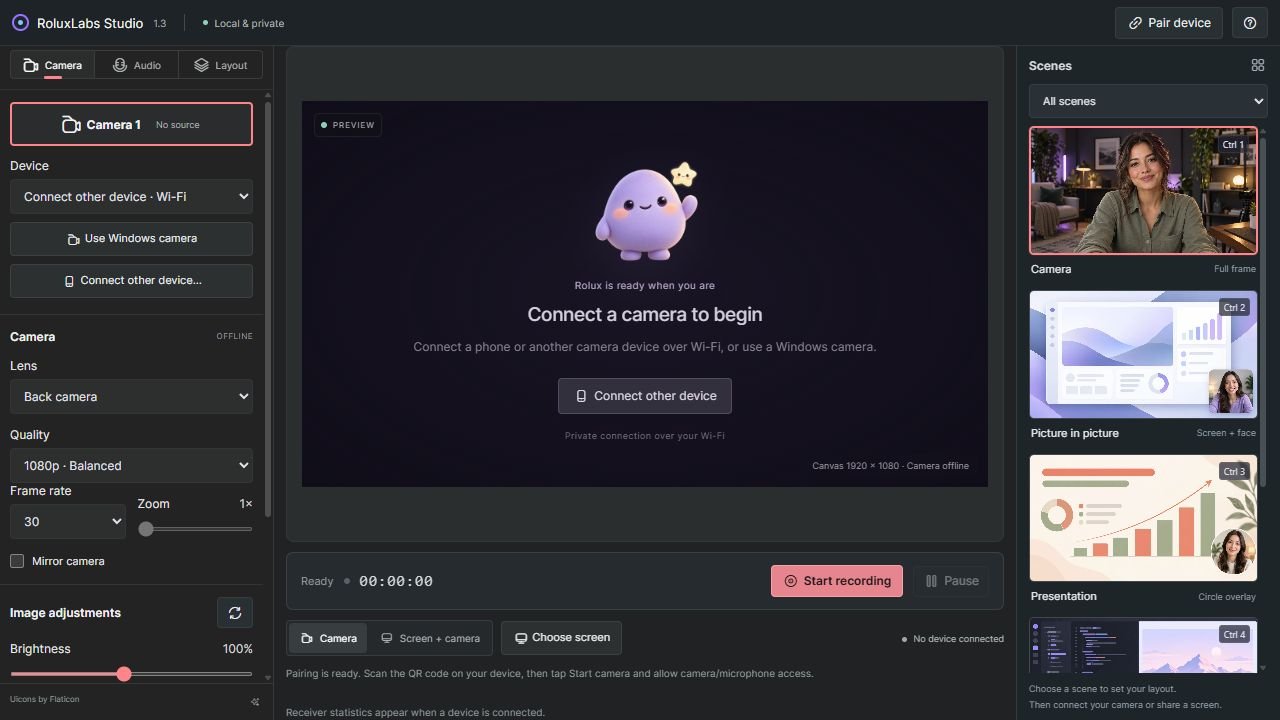
 Turn your phone into a wireless webcam for Windows. Record your screen, face, and microphone together in one free browser studio.
100% free to use
From your first how-to to your next big pitch. Put your phone camera and laptop screen to work, together.
01 / TEACH SOMETHINGExplain a design, teach a lesson, or walk through a process. Show your screen while your face stays in the picture.
FOR EDUCATORS & TUTORIAL CREATORS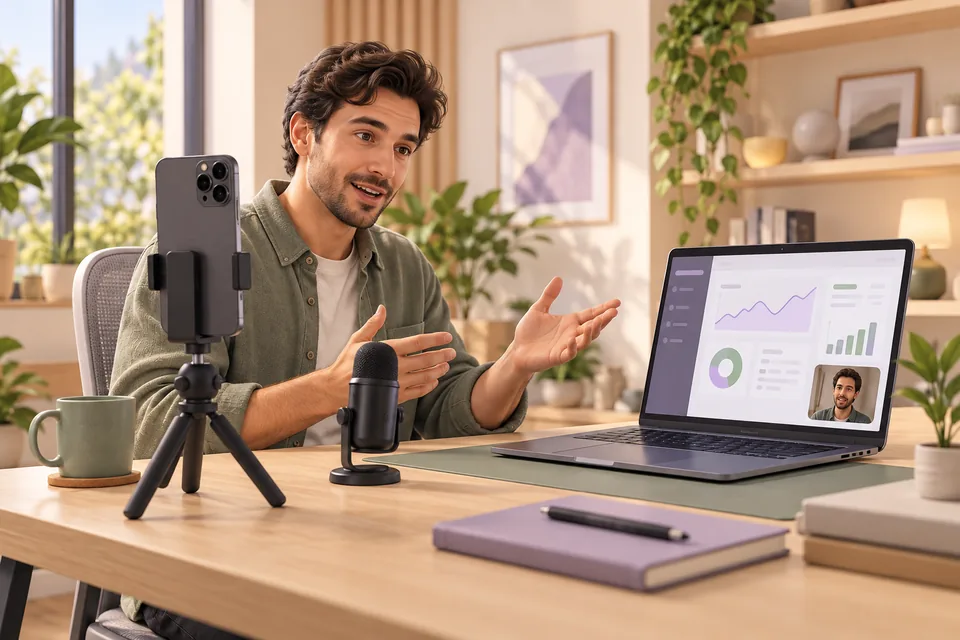 02 / SHOW HOW IT WORKS
Take a client through your product or explain a new feature to your team. Record the screen, your commentary, and your face in one take.
FOR FOUNDERS, FREELANCERS & TEAMS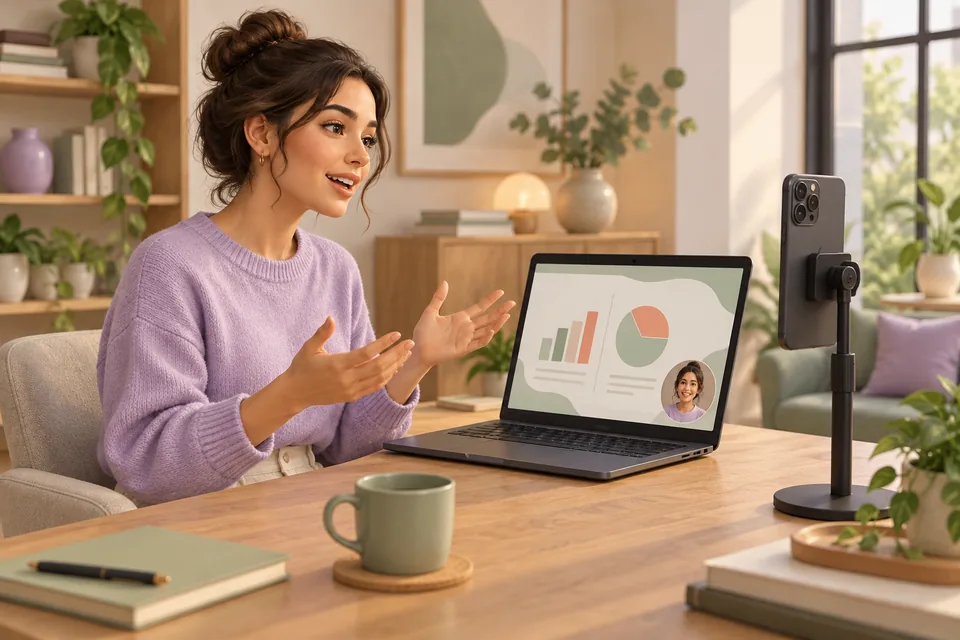 03 / GIVE YOUR IDEAS A VOICE
Record a pitch, a project update, or a lesson people can watch later. Keep your face beside your slides and save the video on your laptop.
FOR PRESENTERS & EVERYDAY EXPLAINERSThat brilliant camera on your phone? Give it a bigger role. RoluxLabs connects it to your laptop, then brings your screen, sound, and face together.
Open the studio on your laptop. Put your phone on the same Wi-Fi, scan your private QR code, and say hello.
Pick a camera, choose your mic, and frame the moment. A Windows webcam works here too.
Share your screen, add your face, hit record. Your finished take saves right on your laptop.

Send your phone's camera and microphone to your laptop over Wi-Fi. Front camera, back camera, your call.
PHONE OR WEBCAM / YOUR CHOICE Screen + you
Walk through an idea, teach a thing, or give a great demo. Keep your face in the corner and the story in focus.
SCREEN RECORDING / FACE OVERLAY / SCENESChoose the microphone input that fits your setup, including a phone-connected mic when your browser supports it.
MIC SELECTION / AUDIO CONTROLSRecordings save locally. Your camera and sound travel directly between devices; our server only helps them connect.
LOCAL RECORDINGS / PRIVATE PAIRINGRoom to look sharp: up to 4K and 60 fps where your camera, browser, and network support them.
More “watch this.”
Yes. Open the studio and start creating. There is no sign-up, subscription, or credit card step.
No. Connect a phone or another device with a supported camera browser, or choose your Windows webcam. Use Chrome or Edge on your Windows laptop and keep both devices on the same Wi-Fi.
Your pairing is remembered in this laptop browser for up to 30 days. Bookmark the private device link on your phone and reopen it next time. Clearing cookies or replacing the pairing means a new scan.
Keep the phone's camera page visible and the phone unlocked while streaming. Mobile browsers can pause camera capture in the background. Sharing your Windows screen also requires your browser's screen-sharing permission.
It saves on the laptop doing the recording. RoluxLabs does not upload your recordings. Device support, Wi-Fi conditions, and browser permissions affect available camera and microphone options.
No sign-up. Just you, your ideas, and Rolux.
Use the phone camera inside RoluxLabs Studio. This browser version does not install a system webcam for meeting apps. Internet is required for hosted pairing; keep your phone page visible and unlocked.
Explore all recording guides →