
Record your screen. Keep your face in the story.
Combine a shared screen, your camera, and a selected audio input in one recording. Use it for tutorials, product walkthroughs, and presentations people can watch later.
1. Choose a camera source
Select Windows camera and allow camera access, or connect a phone over Wi-Fi. Confirm the preview before recording.
2. Share the screen you want to explain
Select Choose screen below the preview. In your browser's permission dialog, choose an available screen, window, or tab. Only content you explicitly share is captured. Keep private windows and notifications out of the shared area.
3. Choose a layout
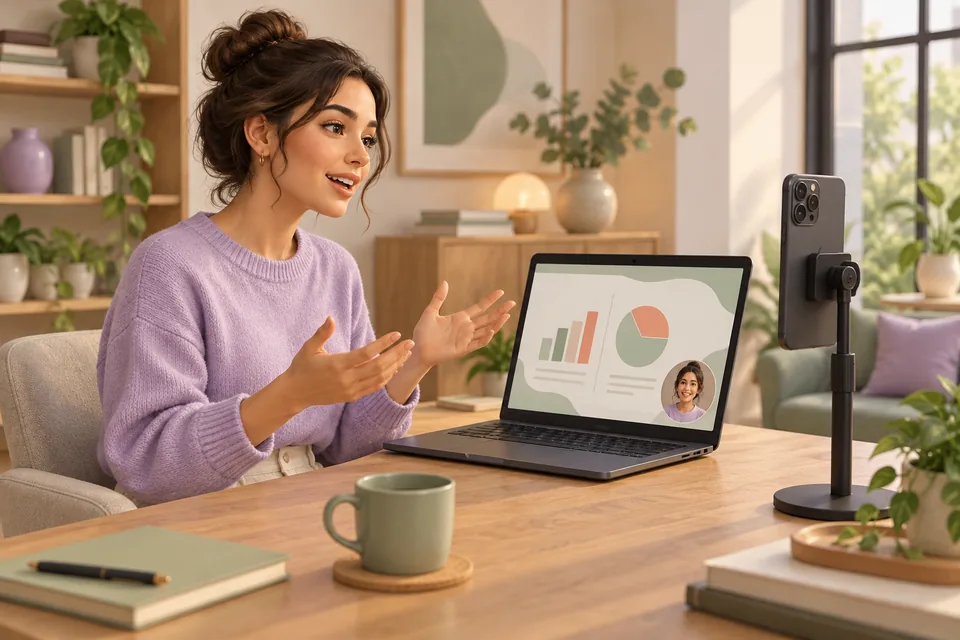
Use Picture in picture for a rectangular face overlay, Presentation for a circular overlay, or Face on the left for a different placement. Screen only records the shared content without a face. The preview shows the composition you are preparing.
4. Select and check your microphone
Open the audio controls and choose the input you want recorded. A phone-connected external microphone is available only when the phone browser exposes that input. Desktop or tab sound availability depends on the sharing source and browser; microphone capture does not automatically include all Windows audio.
5. Make a short test, then record
Record a short sample and play it back to check framing and audio sync. Select Start recording; use pause when needed, then stop and save. The file saves on the recording laptop. The site does not upload finished recordings.
Tips for a useful tutorial or demo
- Prepare the screen and close unnecessary notifications before sharing.
- Place your phone at eye level and keep your overlay clear of slide labels.
- Start at 1080p and 30 fps; increase quality after a successful test.
- Keep the sender phone visible and unlocked throughout the take.
What this recorder does not provide
The current studio records in the browser. It does not provide a built-in video editor, cloud recording library, or virtual webcam integration for meeting applications. Long recordings and higher resolutions depend on your laptop's processing and memory capacity.
Need help? Read connection and audio troubleshooting or browse all recording guides.
RoluxLabs product guide · Updated 9 October 2026
100% free to use. No sign-up. Recordings save on your laptop.